Make the quote or invoice
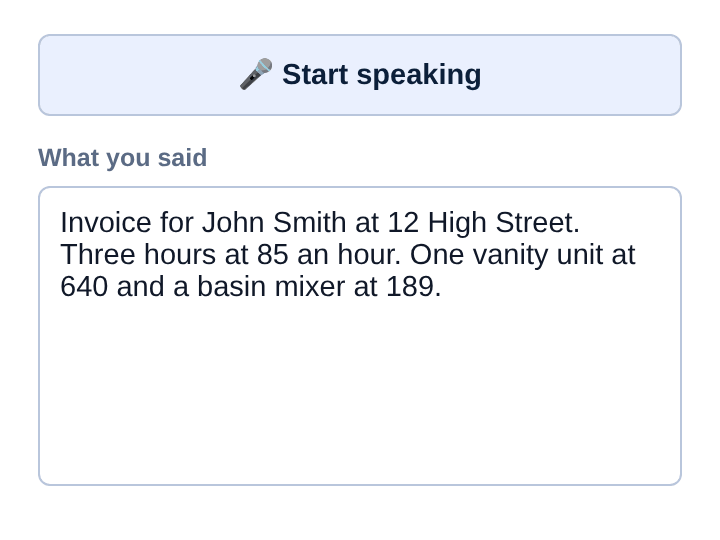
Say it
Talk in English or your own language, and the quote or invoice fills in for you to check.
Paste the client's email or text
The job, the client and their contact details go in.
Upload a job sheet
A PDF, photo or screenshot. For job sheets from a shop, it remembers who to bill each time.
Their usual prices
For a client you've invoiced before, it fills in the prices you charged them, and warns you when a price is much higher or lower than usual.
One question at a time
It asks only what changes the money, under the line it's about.
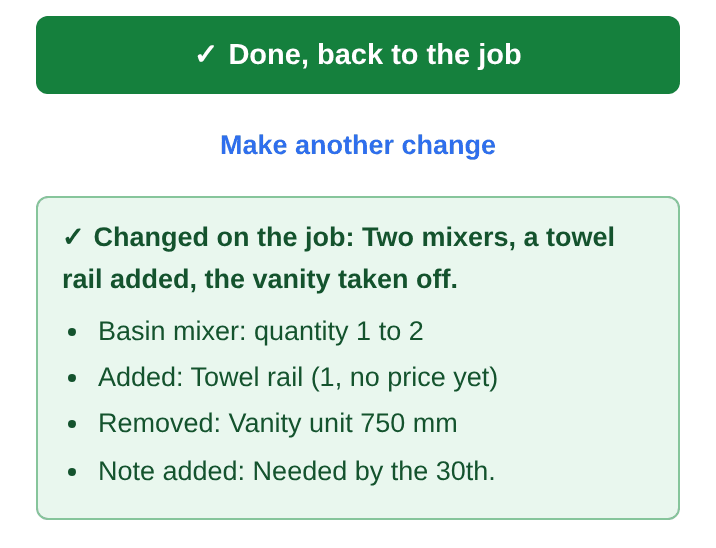
Say a change
"Change the rate to 75", or paste the client's reply, and you see a list of what changed.
Scan a receipt
The materials go on the job.
Send it
Email it or save a PDF
With your logo, GST and bank details. Add your payment link and the email gets a Pay now button and the invoice a QR code to scan and pay.
See it as your client will
Before it goes.
Accept with one tap
Your client can accept an emailed quote from the email.
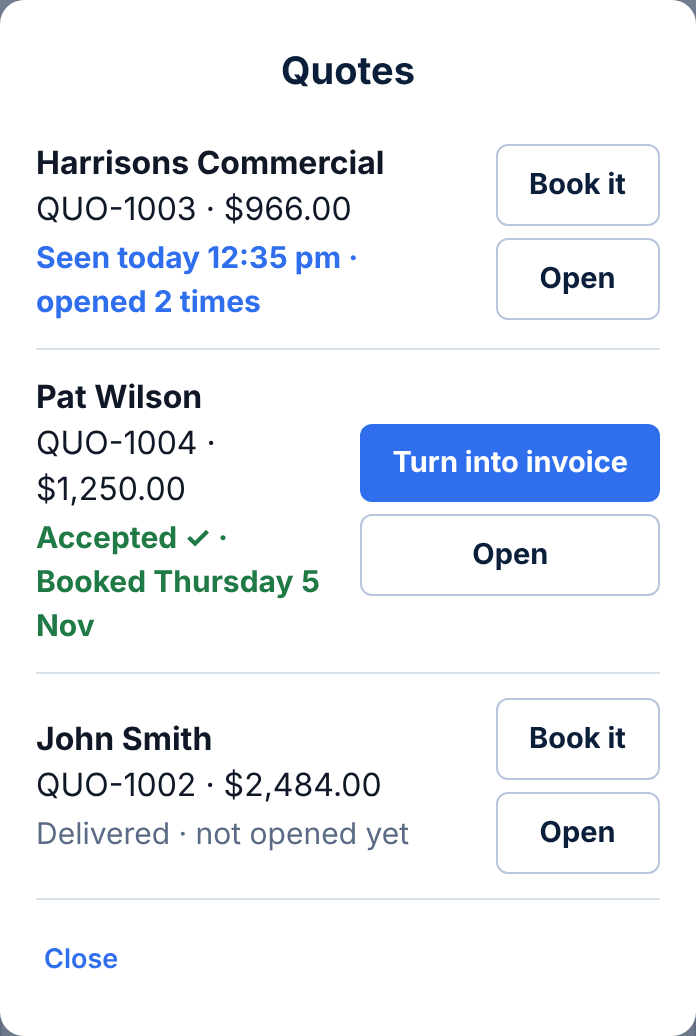
See when they've opened it
The Quotes list shows when your client opened the quote, and tells you if an email didn't arrive.
Your day
Calendar
Say or type a booking, and it warns you if it clashes with another job. Bookings can repeat.
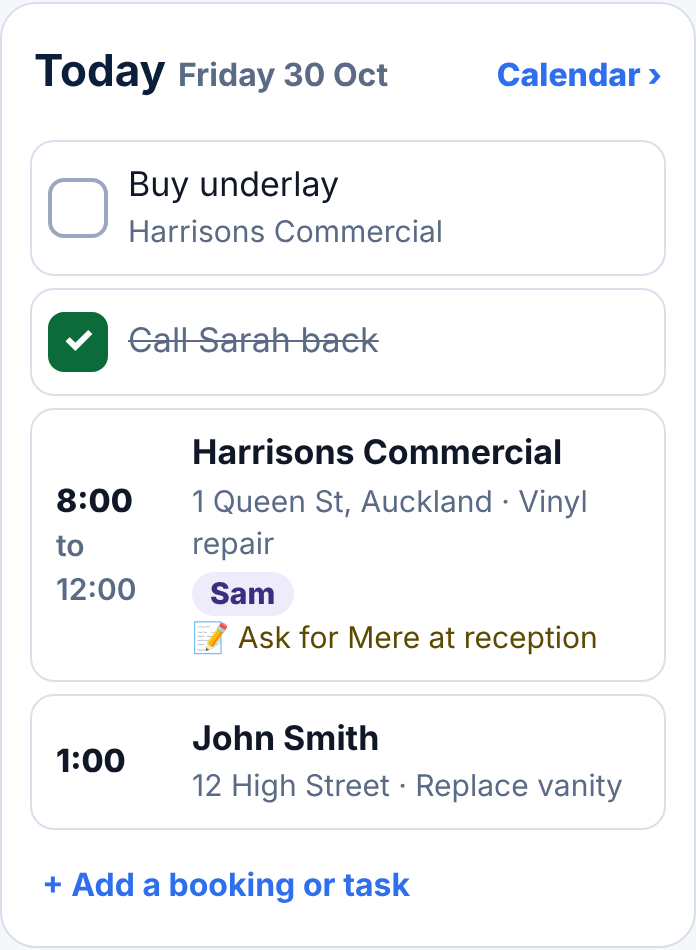
Today on the start screen
Today's jobs, notes and tasks when you open the app.
Book the job from the quote
When a quote is accepted, the client, address and job are already in.
Job done
Make the invoice from the booking, with every line from the quote.
Clients
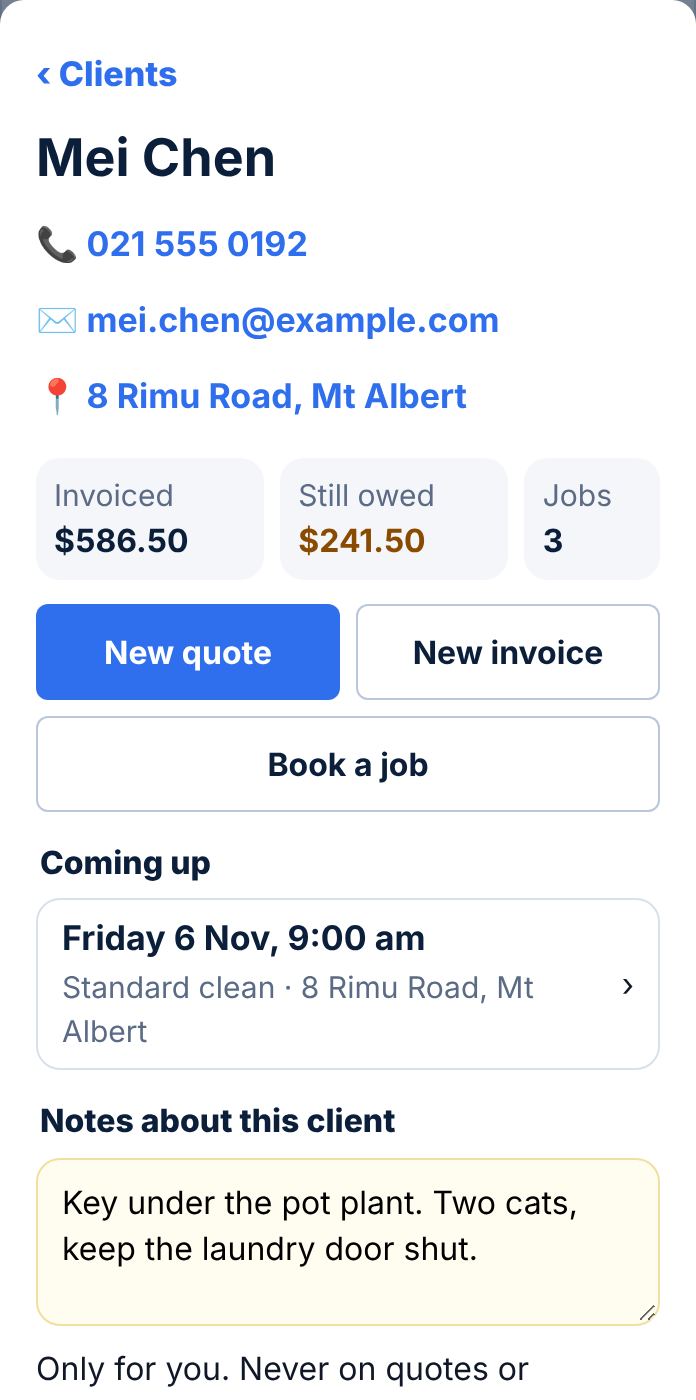
Everything about each client
Their jobs, what they owe, their usual prices and your notes, like the gate code.
Bring your client list
From Tradify, Jobber or Xero, as a CSV or Excel file.
Get paid
Unpaid invoices
Every unpaid invoice in one list. When one is overdue, send a reminder in one tap.
Reminders go by themselves Pro
1, 7 and 14 days after the due date, with the invoice attached. Switch it on in Unpaid.
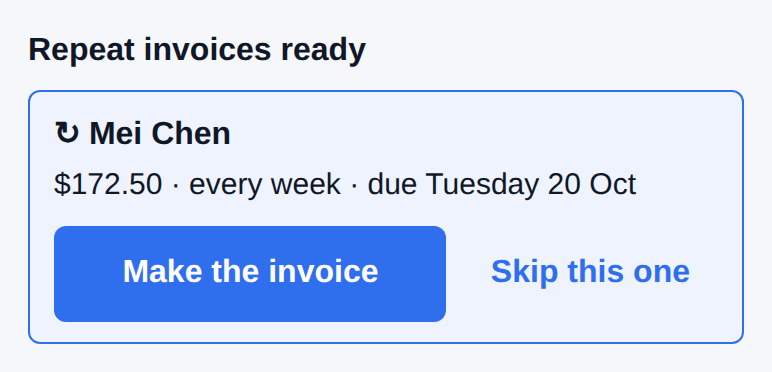
Repeat invoices
For regular clients. Ready on the day for you to check and send.
Money
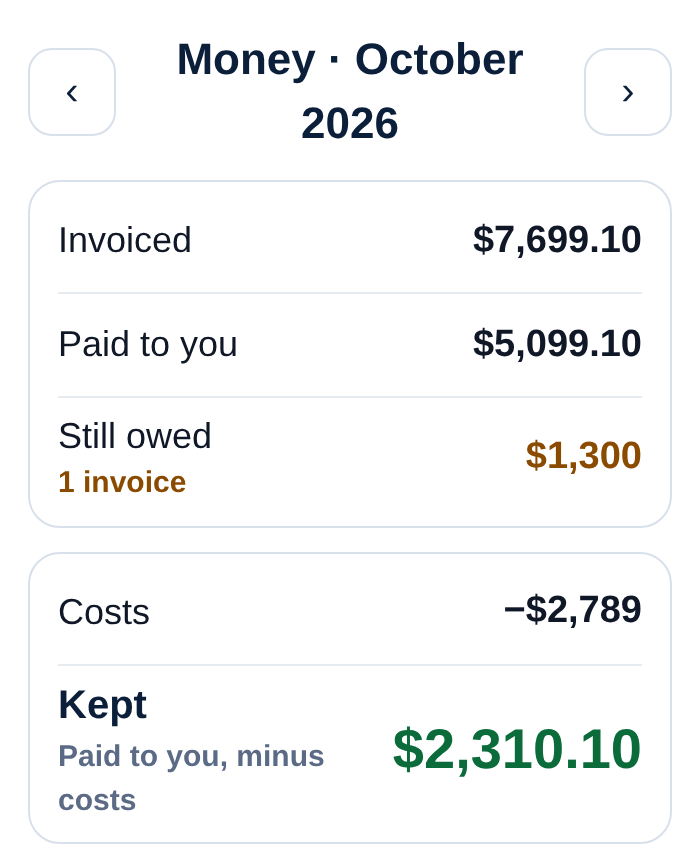
What you kept each month
What you invoiced, were paid, spent and kept.
Say a cost or scan a receipt
Costs go against the job.
Job profit
What each job left for you.
Tax time
One Excel file for your accountant.
QuoteForte isn't accounting software: your accountant or Xero still does the GST return.
Xero (New Zealand)
Import into Xero
Save the week's invoices as one file and import it into Xero.
Send to Xero Pro
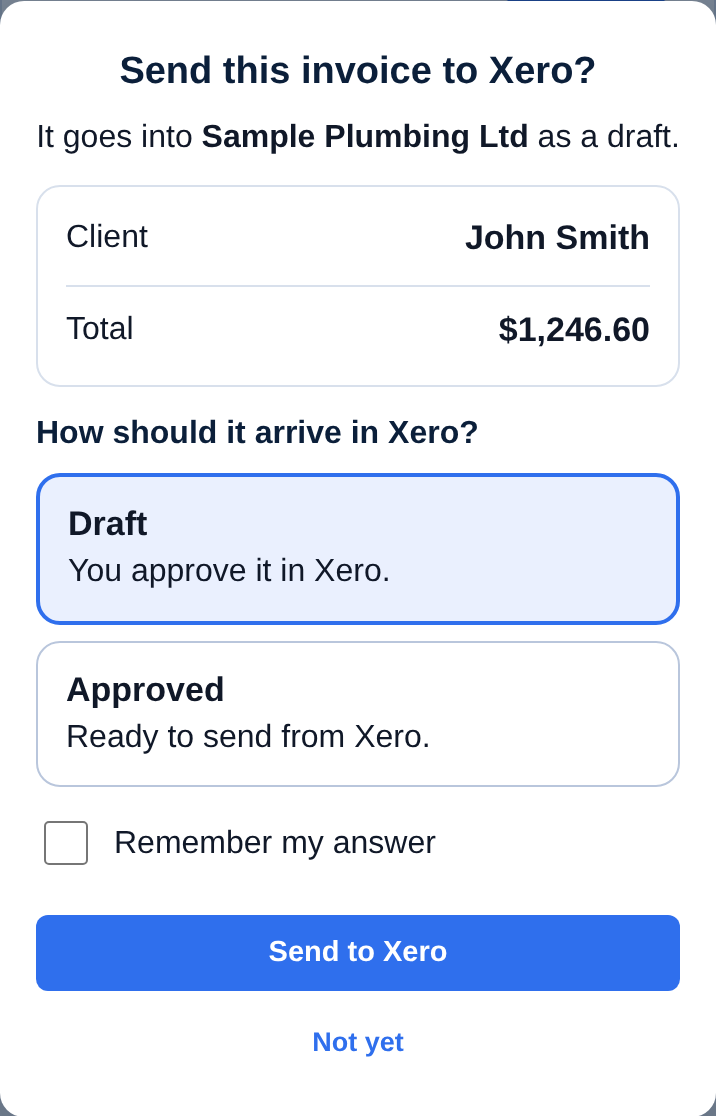
Each invoice goes straight into Xero as a draft or approved, with Xero's next invoice number.
Paid in Xero shows as paid here Pro
So your unpaid list stays right.
Xero is a trademark of Xero Limited. QuoteForte is not affiliated with or endorsed by Xero.
Also
Phone or computer
Works in the browser. Nothing to install, or add it to your home screen.
Search everything
Bookings, invoices, quotes and saved jobs, by name, address or amount.
5 quotes or invoices free each month. Pro is NZ$39 a month for unlimited.