
Say the job.
Send the invoice.
Stop typing invoices at night. Say the job or paste the client's email, check it, send it, then import the week's invoices into Xero.
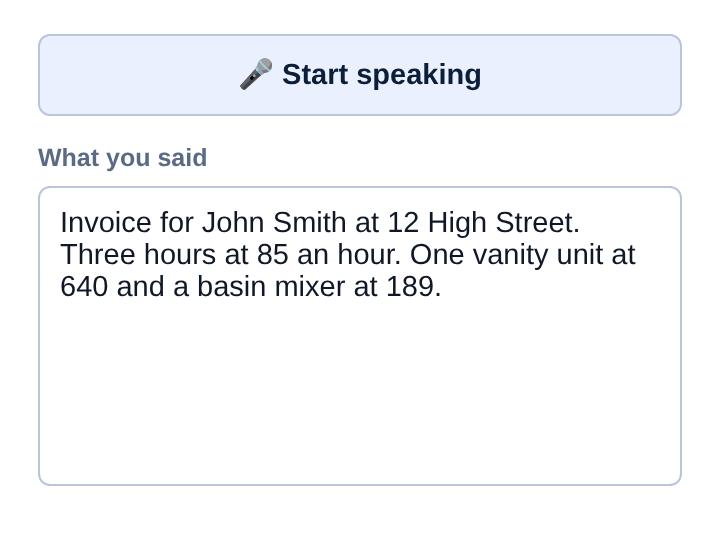
Make an invoice by talking, free"Invoice for John Smith at 12 High Street. Three hours at 85 an hour. One vanity unit at 640 and a basin mixer at 189."
Hi, can you replace the vanity and the mixer in the ensuite at 40 Marine Parade? Same as you did at our other place. Thanks, John
Your client gets this
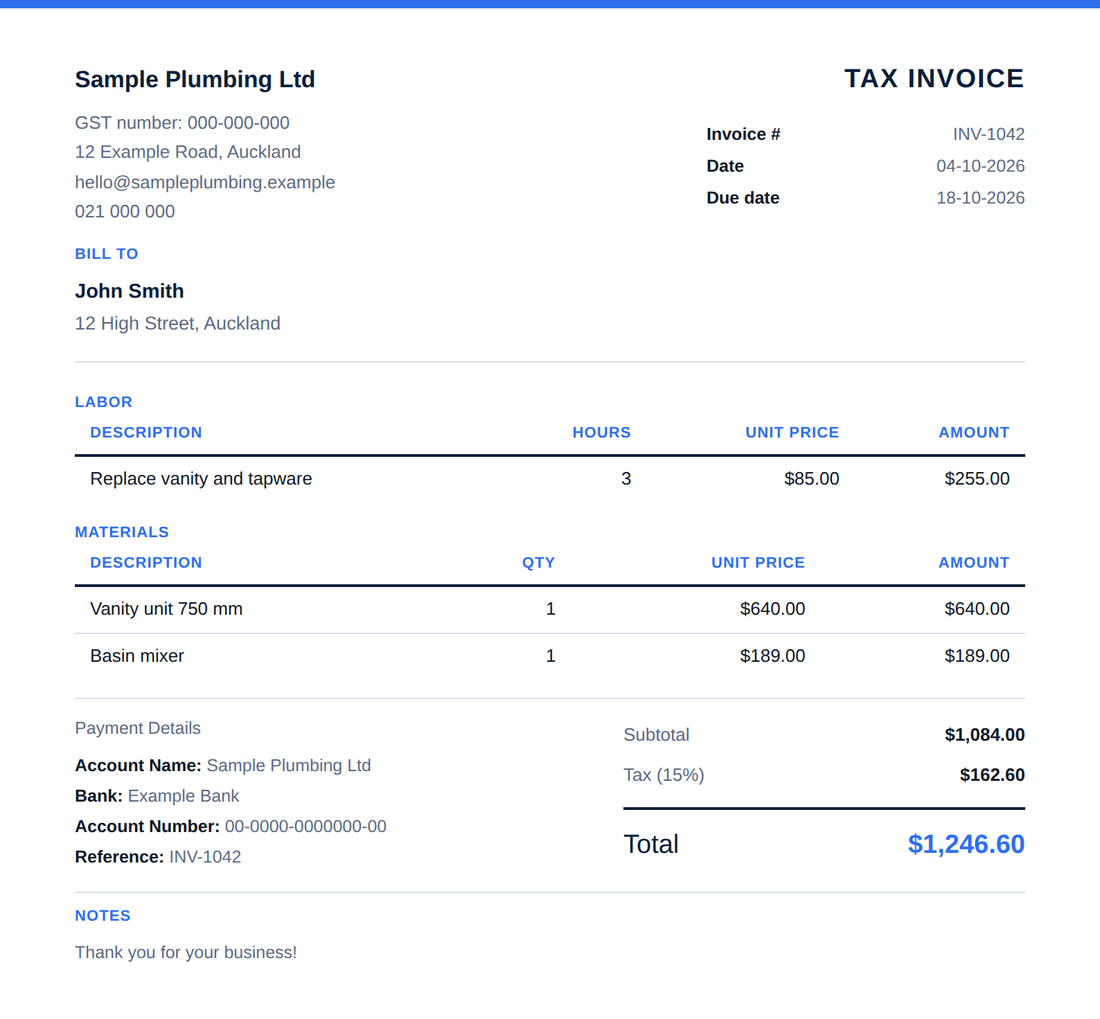 See the whole invoice
A sample invoice, with your logo, GST and a scan-to-pay QR code.
Three steps, done before you leave the job
Say it, or paste the email
Tap the mic and talk. Or paste the client's email.
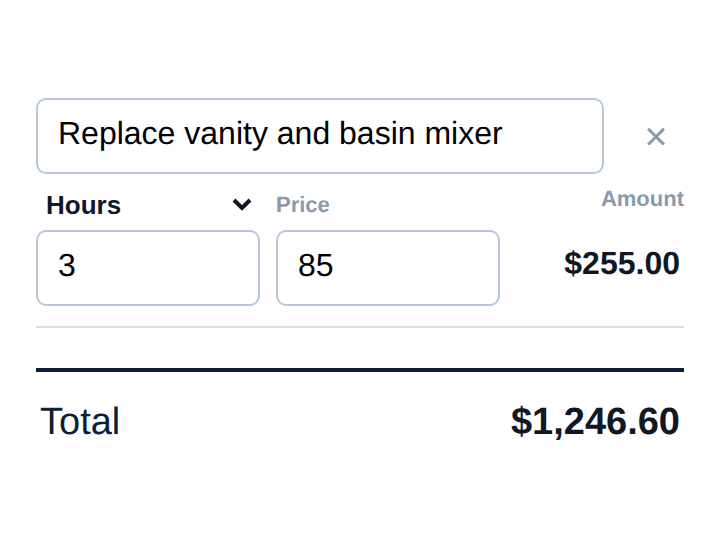
Check it
It's all filled in. Change anything.
Send it
Email it or save it as a PDF.
Got the job by email? Start from that.
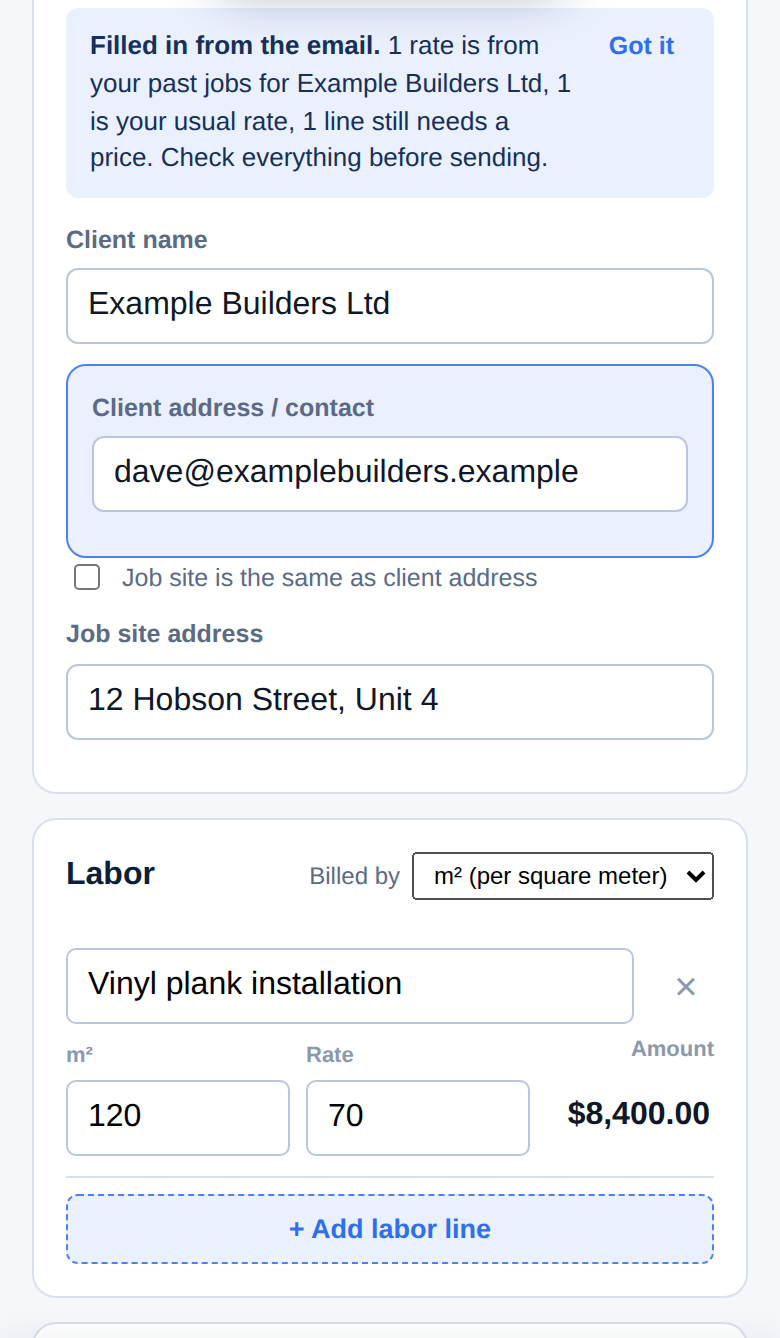
Paste it in and the job fills in for you to check. Charged them before? Their usual prices come too.
The fast way to get your jobs into Xero
Send invoices all week, then upload one file in Xero.
- Send from QuoteForte, or save it and send from Xero
- They arrive as drafts
- Nothing changes until you approve
- Tested in New Zealand, not yet in Australia
Also in the app
Fix this job
Paste the client's reply. See what changed.
Scan a receipt
Photo it and the materials are added.
See who still owes you
Unpaid invoices listed. Reminders drafted.
Speak your language
The invoice is still written in English.
Free to use. NZ$29 a month if you need more.
Free
Every month. No card needed.
- 10 quotes or invoices a month
- 10 voice, receipt or email-paste uses each month
- Unpaid invoice list, job profit and Xero export included
Pro
A month. Upgrade in the app when you need more. Cancel any time in the app.
- Unlimited quotes and invoices
- Unlimited voice, receipt scans and email imports
- Everything in Free
Common questions
Does it connect to Xero?
It doesn't link to your Xero account. It makes a file in Xero's own import format, which you upload in Xero under Sales, Invoices, Import. The Xero guide walks through it.
Where is my information kept?
On your own device by default. If you make an account, a copy is kept on our server so your other devices can load it when you sign in. Voice recordings, receipt photos and emails you import are sent to an AI service to be read, and we don't keep them. The privacy page has the details.
What happens when I reach the free limit?
You can still open the app and build documents, but emailing, saving as PDF and saving for Xero wait until the allowance resets at the start of the next month. Voice still works past its limit in a simpler form that needs more careful phrasing. To carry on without waiting, start the Pro trial.
Do I need to create an account?
No. Open the app and start: you can try voice or email import a few times straight away. The first time you send or save a document, it asks for your email and sends a 6-digit code to confirm it's yours, so your free allowance follows you. You only create an account, with a password, if you want your details on a second device.
Does the invoice have what a tax invoice needs?
It shows your business name, GST number, the date, what was supplied, the GST amount and the total, and it uses 15% GST for New Zealand and 10% for Australia. If you're not GST registered, it leaves the tax line off. If you're unsure what applies to your business, check with your accountant.
How do I cancel Pro?
In the app, go to Settings, then Your plan, and tap "Manage or cancel Pro". You keep Pro until the end of the month you've paid for, and you go back to the free plan with nothing deleted. You can also email hello@quoteforte.com and we'll do it for you.
I'm Arthur. I built QuoteForte in Auckland, on my own, for mates in the trades. Something not working? Email hello@quoteforte.com and I'll sort it.
Make your next invoice by talking
The first ten each month are free, and there's nothing to install.
Make an invoice by talking, free